

We've released the 5.xx firmware family, the biggest overhaul of GliderKeeper's software since the product exists. It is available now on the Downloads page — here's what you'll find.
FAI approved
On 6 August 2026 the FAI issued approval AMRT067 for the GliderKeeper Pro (model 314) running firmware FAI F 5.41 and FAI S 5.41: the first release of the 5.xx series arrives approved for F5J competition, both First and Second Class.
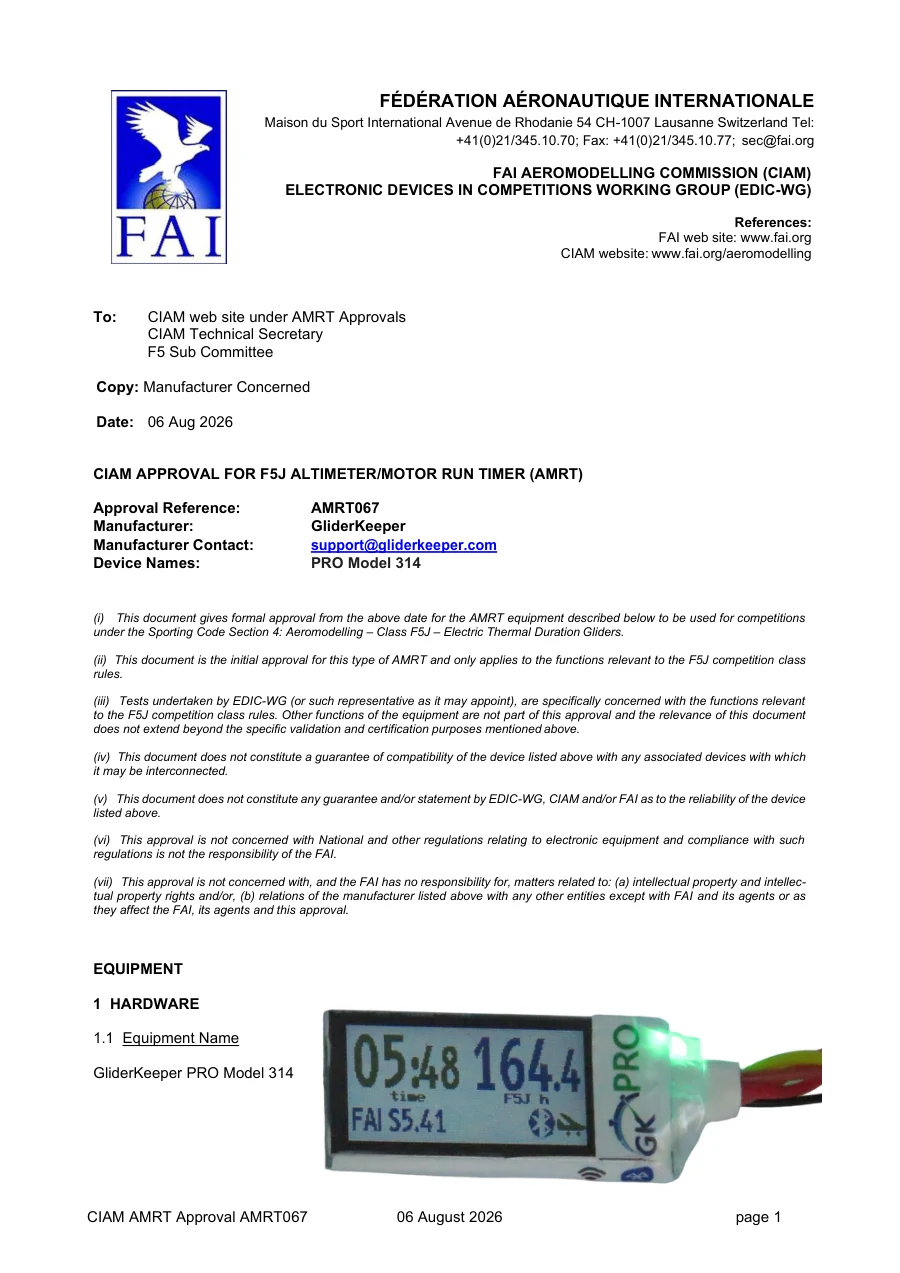 AMRT067 approval letter (PDF)
Important: the approval covers the GliderKeeper Pro only. Firmware 5.41 is functional on every GliderKeeper model, but only the Pro (model 314) is approved with it for official FAI competition. On the other models you must keep using firmware x.32 to compete officially — that is the approved one (AMRT063 and AMRT064).
The full letter is on the Documentation page, next to those for the GliderKeeper v2 and the Pico.
One release for every device
The 5.xx series brings a universal firmware: the same release for every device. On power-up the unit detects its hardware and the type of display it carries — OLED or colour TFT — and adjusts itself.
That's why the version number no longer depends on the board, as it did with the Keeper's 1.32 or the Pico's 3.32: the major number is now 5 for everything, and the first release of the series is 5.41.
For you it means one simple thing: no more picking the right file. You choose the competition class you want to fly, and that file works on any GliderKeeper on your bench.
Wi-Fi and Bluetooth, at the same time
5.xx introduces multi-protocol communication. On top of the usual Wi-Fi, the device advertises and connects over Bluetooth (BLE), and both channels are live at once: use whichever suits the moment, with the desktop application and with the Android and iPhone (iOS) apps.
And this is not a second-class Bluetooth: operations have parity across both channels — device status, flight list, telemetry download, configuration, time setting, device name, erase, and even updating the firmware itself. While scanning, each GliderKeeper also identifies itself by name before you connect, so on the flight line you know which one is yours.
On the Wi-Fi side there's a quieter but very welcome fix too: a UDP discovery that finds the unit on Android phones sharing their connection, where the system drops mDNS packets and the app used to be left blind.
A redesigned interface
The device's configuration pages — half a dozen separate pages until now (menu, system, Wi-Fi, flight plot, update…) — become a single page, faster and far more comfortable on a phone.
Displays: the familiar OLEDs and a colour TFT
5.xx adds a new display layer serving both OLEDs (0.66" and 0.91") and the 160×80 colour TFT of the GliderKeeper Pro, with custom condensed typefaces drawn specifically so that flight time and altitude fit together in large figures, readable at arm's length.
The Pro also gains a dark mode, switchable from the app or the web page and applied on the fly, with no reboot.
What doesn't change
The flight and competition logic is the one you already know: the same height measurement, the same motor control and the same classes as always — STD, FAI, F5L, ALES, F5K, F3K, RCE, F3G and its training variants — each with its own file inside the same pack. The 5.xx series changes everything around the flight: connectivity, display and interface.
How to update
The easiest way, and the one we recommend, is from the GliderKeeper app on your phone. It flashes the firmware over the air, without taking the unit out of the aircraft and with no cables or drivers involved. The app is on the Downloads page, under Mobile apps, for both Android and iPhone.
The pack itself is on that same page, with its instructions, if you'd rather flash it from the desktop app or over USB.
If you're coming from 1.32 or 3.32 — a Standard, a v2 or a Pico — there's an extra step: those units don't have Bluetooth yet, and their memory has to be rearranged before 5.41 will fit. The app does it for you, but it's worth knowing what you're looking at. It's written up step by step, including how to roll back, in the guide to updating to 5.41.