

New — firmware 5.x: from firmware version 5.x onwards, GliderKeeper Pico communication is multi-protocol Wi-Fi/Bluetooth. The unit also connects over Bluetooth to the Desktop App and to the Android and iPhone (iOS) apps.
World's first altimeter with a flight duration option
Besides a latest-technology barometer capsule, the GliderKeeper features an accelerometer. Flight time is started upon throttle movement during launch — the same event used for motor timing in the F5J rules. Landing is captured by measuring the fuselage vibration on the model's touchdown.
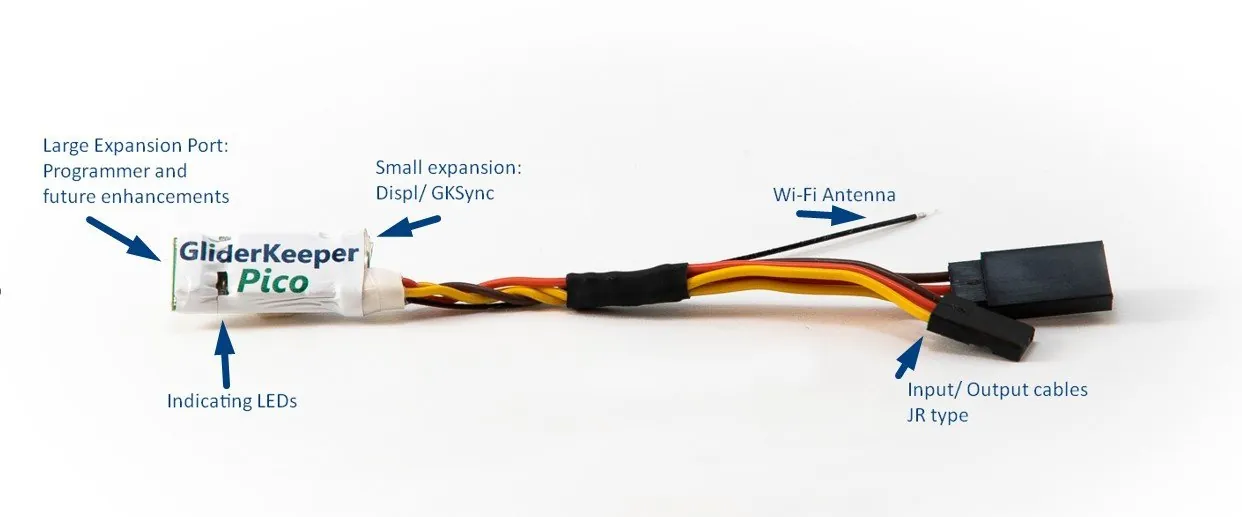
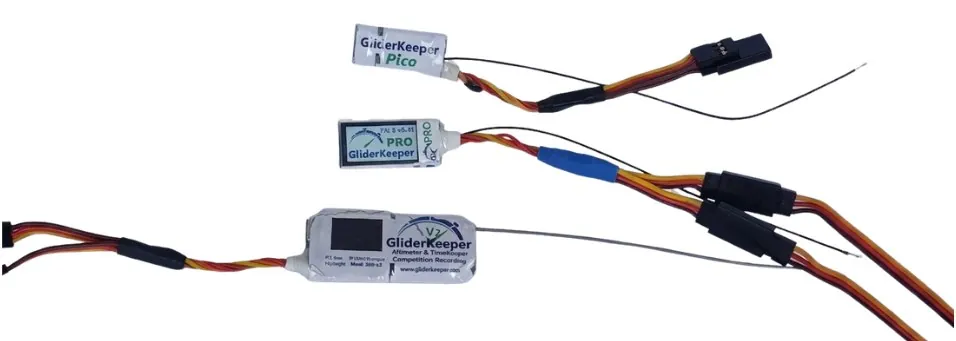
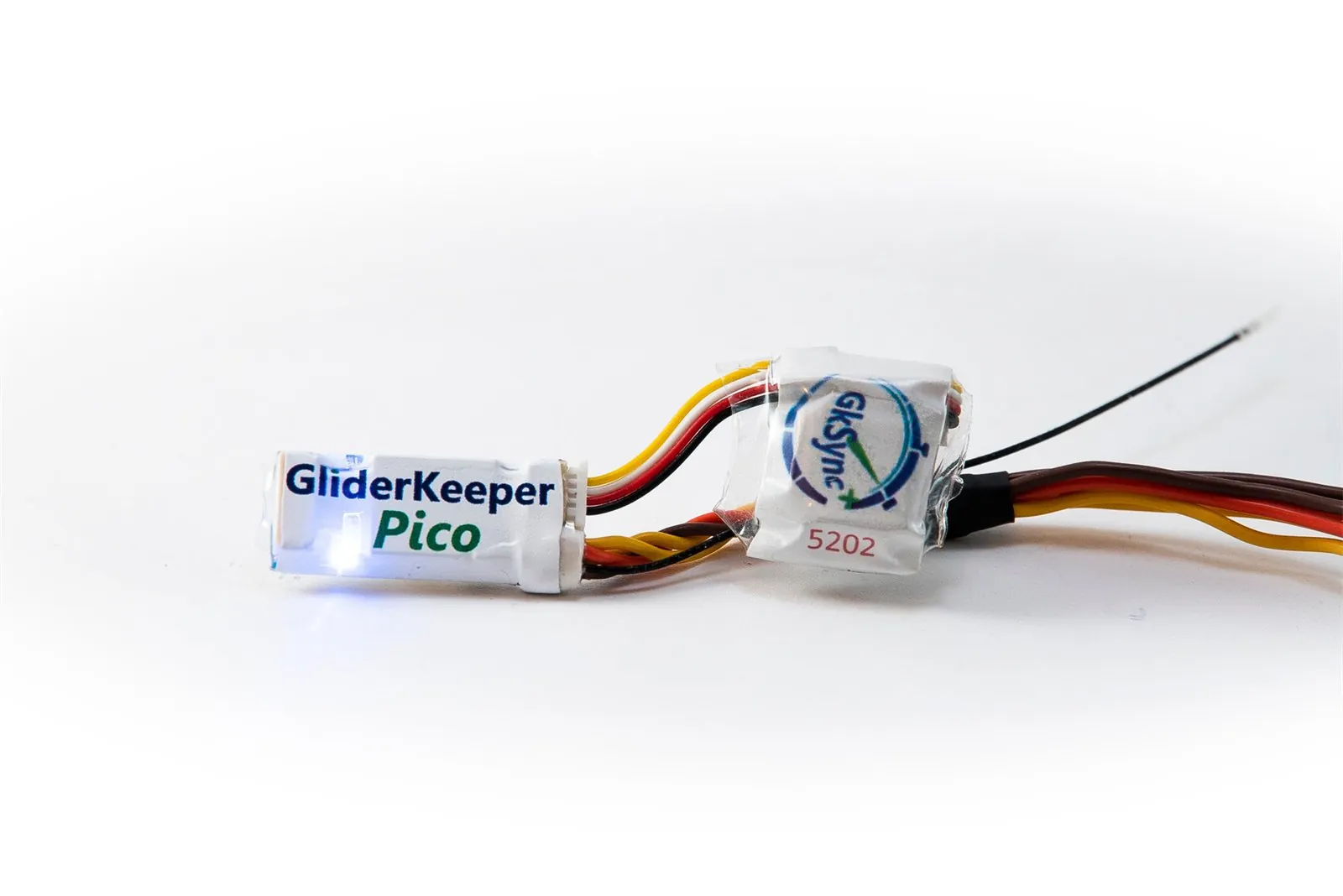
No doubt, the GliderKeeper Pico is the smallest AMRT available on the market.
FAI approved firmware for F5J
The GliderKeeper Pico has already been homologated by the FAI. Firmware versions starting with 3.xx are specific to the GliderKeeper Pico. You can use it now in any official F5J competition, and firmware for more competition types will be published soon.
Pico Display and the small expansion port
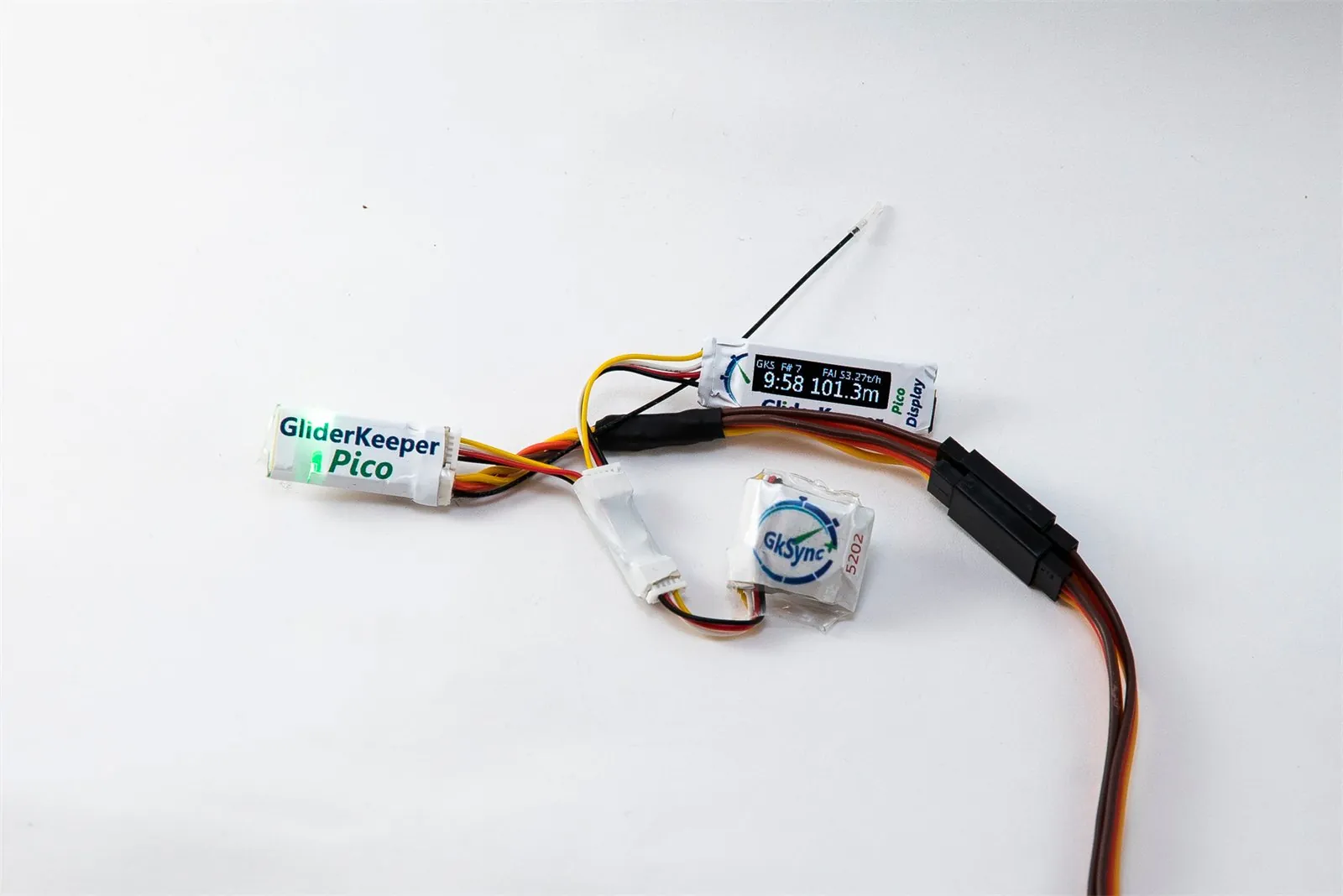
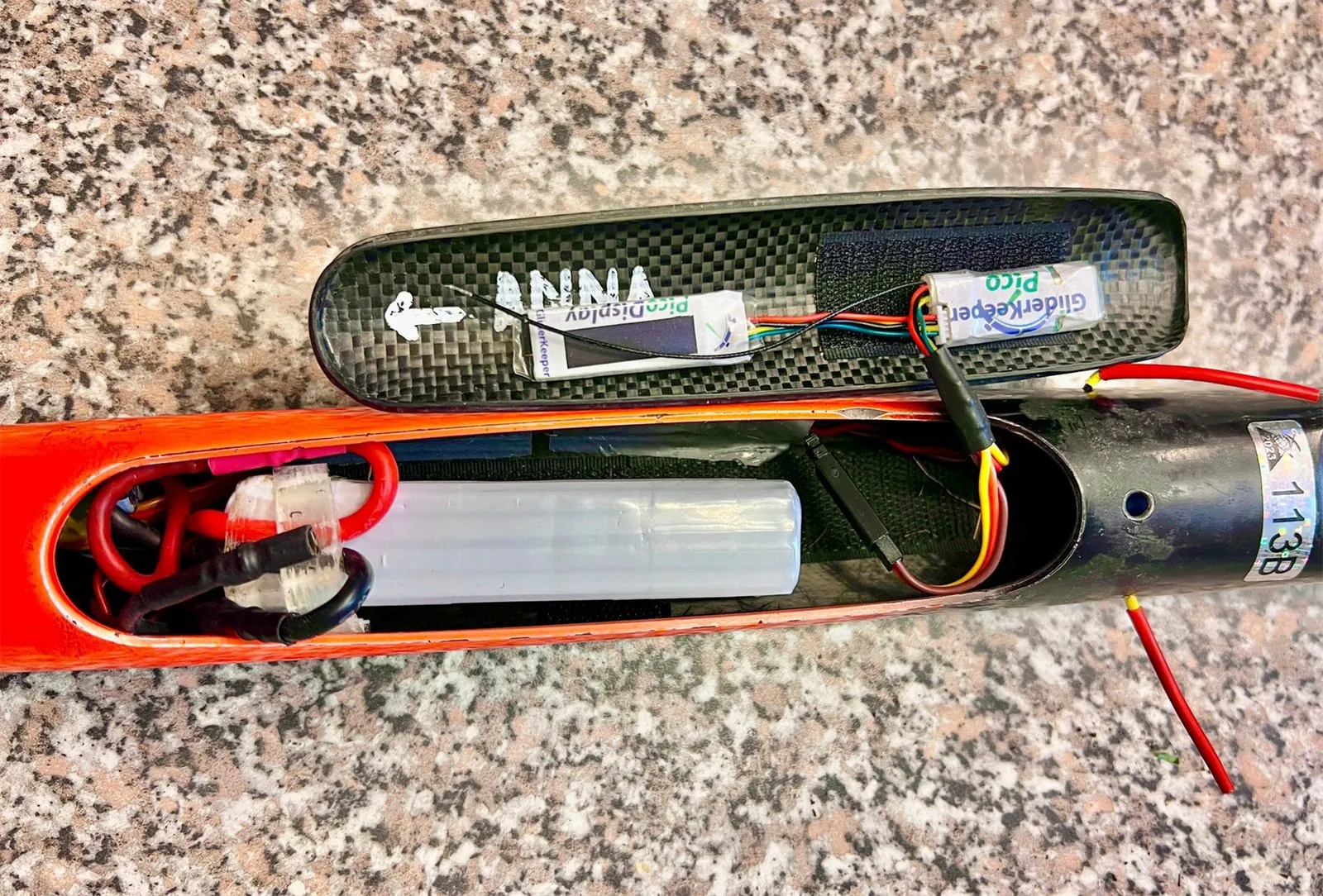
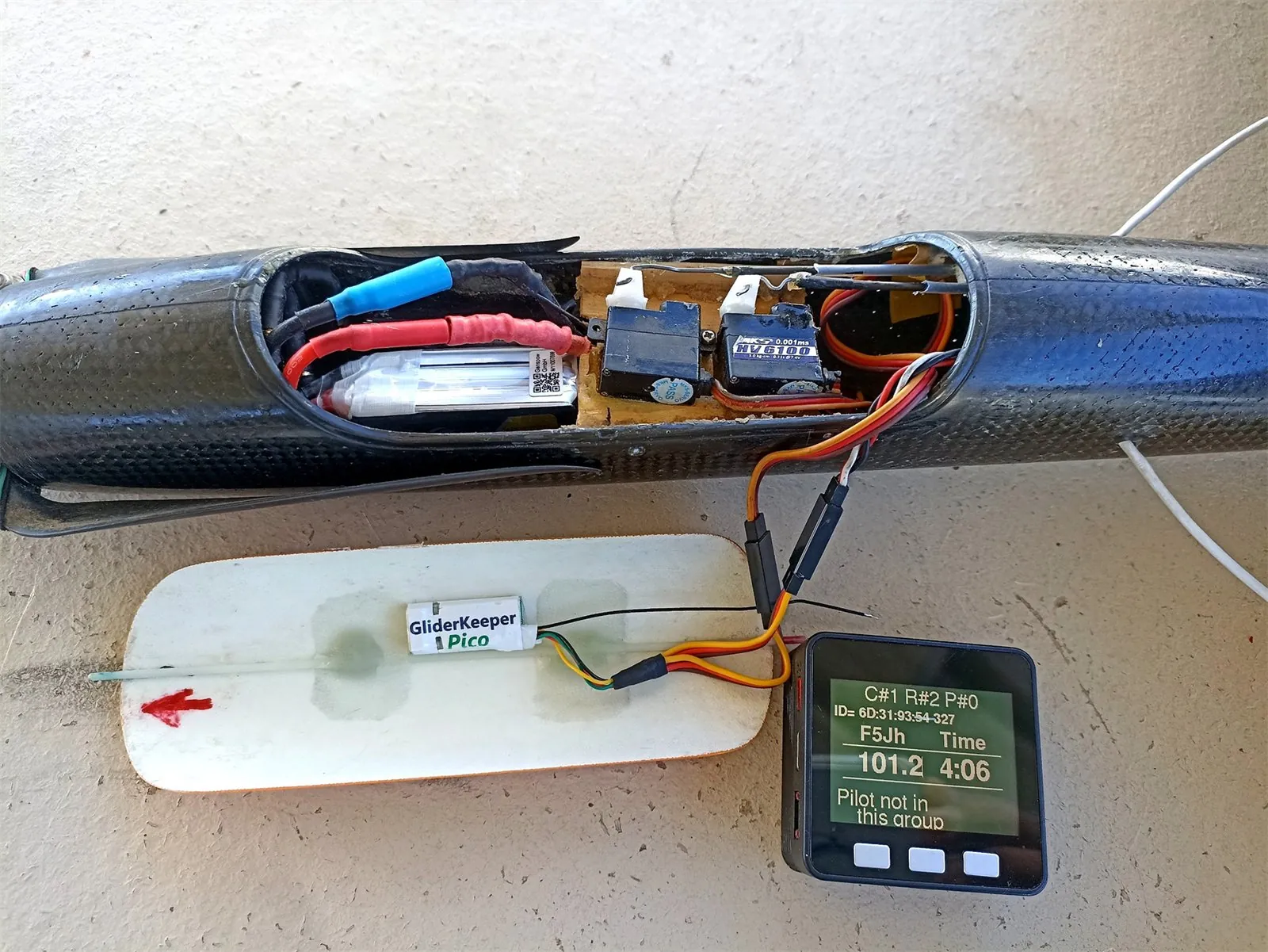
The Pico Display plugs into the small expansion port and comes with an extension lead cable and a connector hub. Very comfortable if you prefer to connect the display after landing, to save weight and space in your cabin.
The display comes alive every time the GliderKeeper Pico changes its status and, specifically, every 1.5 seconds in communication mode. The same port takes GKSync+, or both at once through the hub.
An image is worth 1000 words
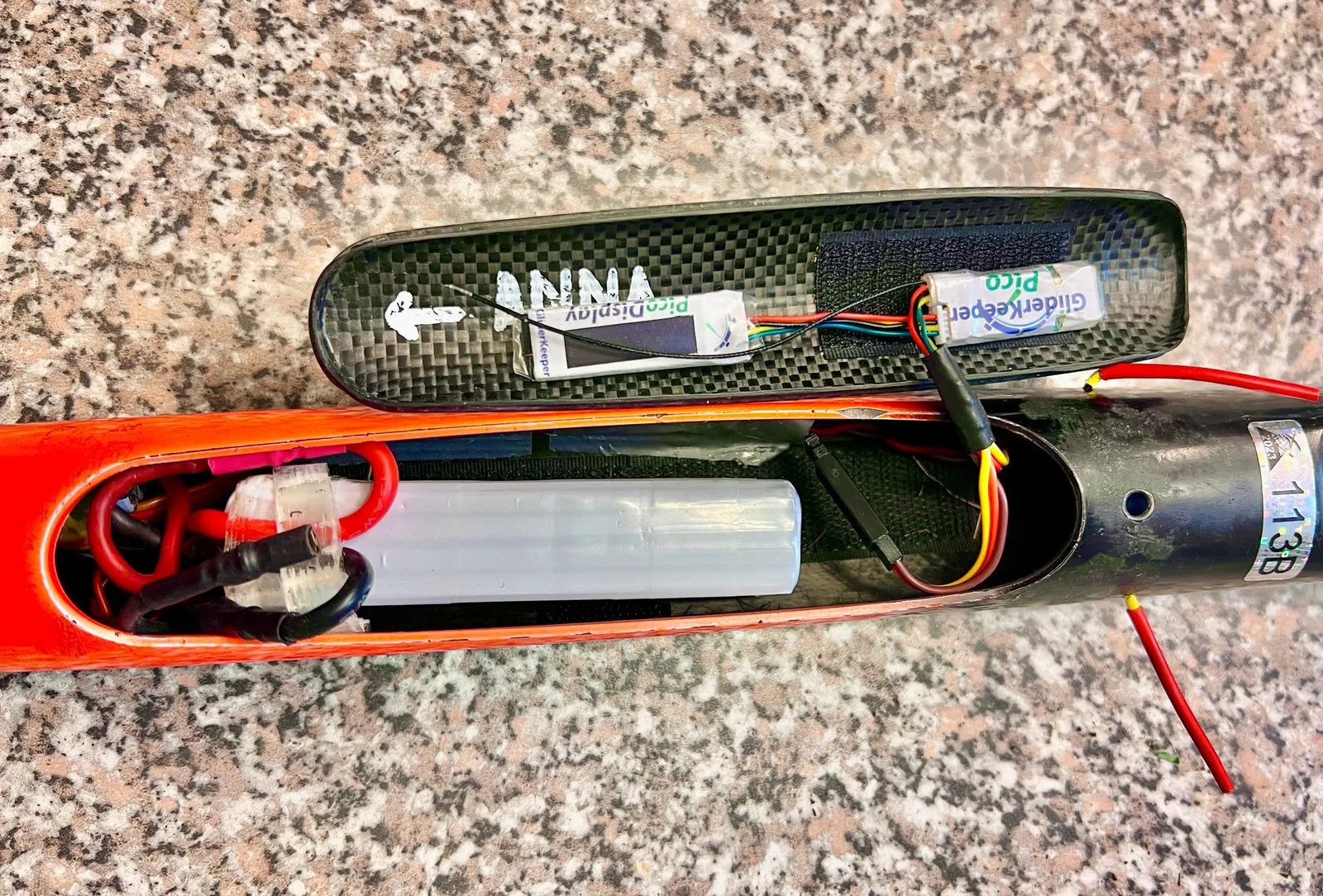
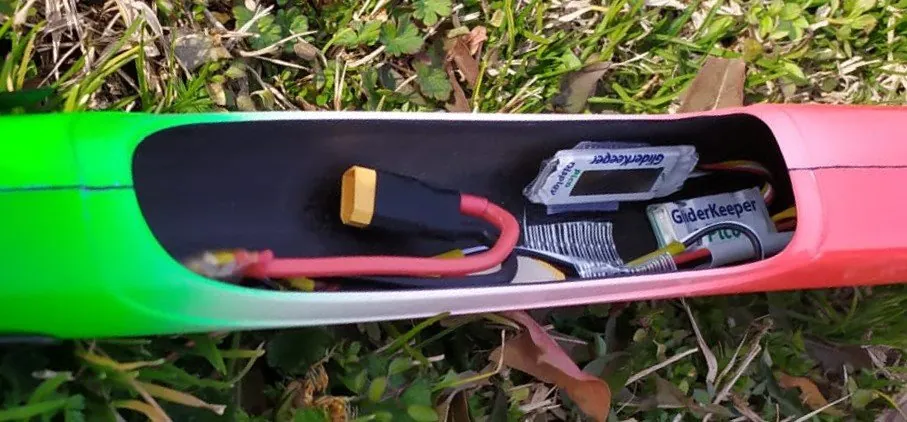
Place your GliderKeeper Pico almost anywhere in your fuselage.
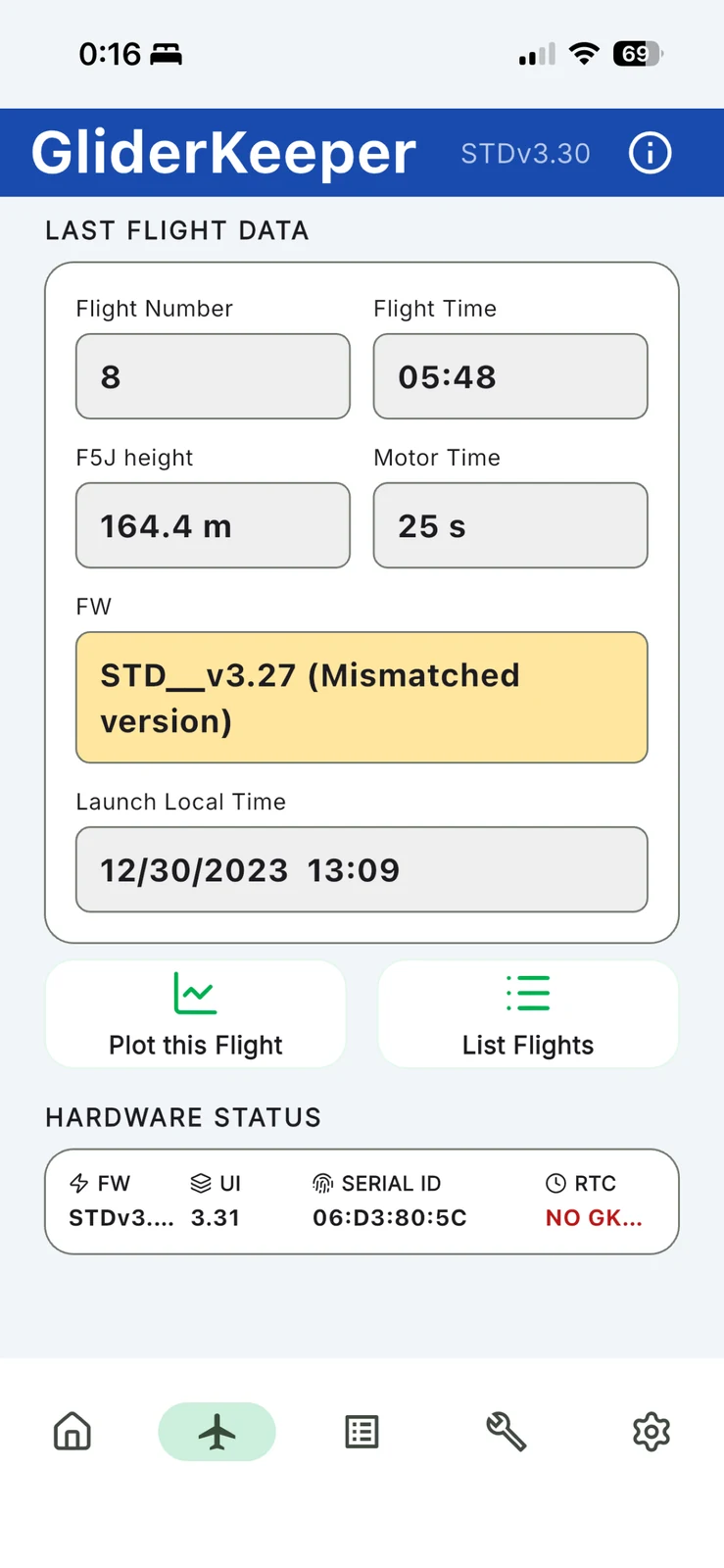
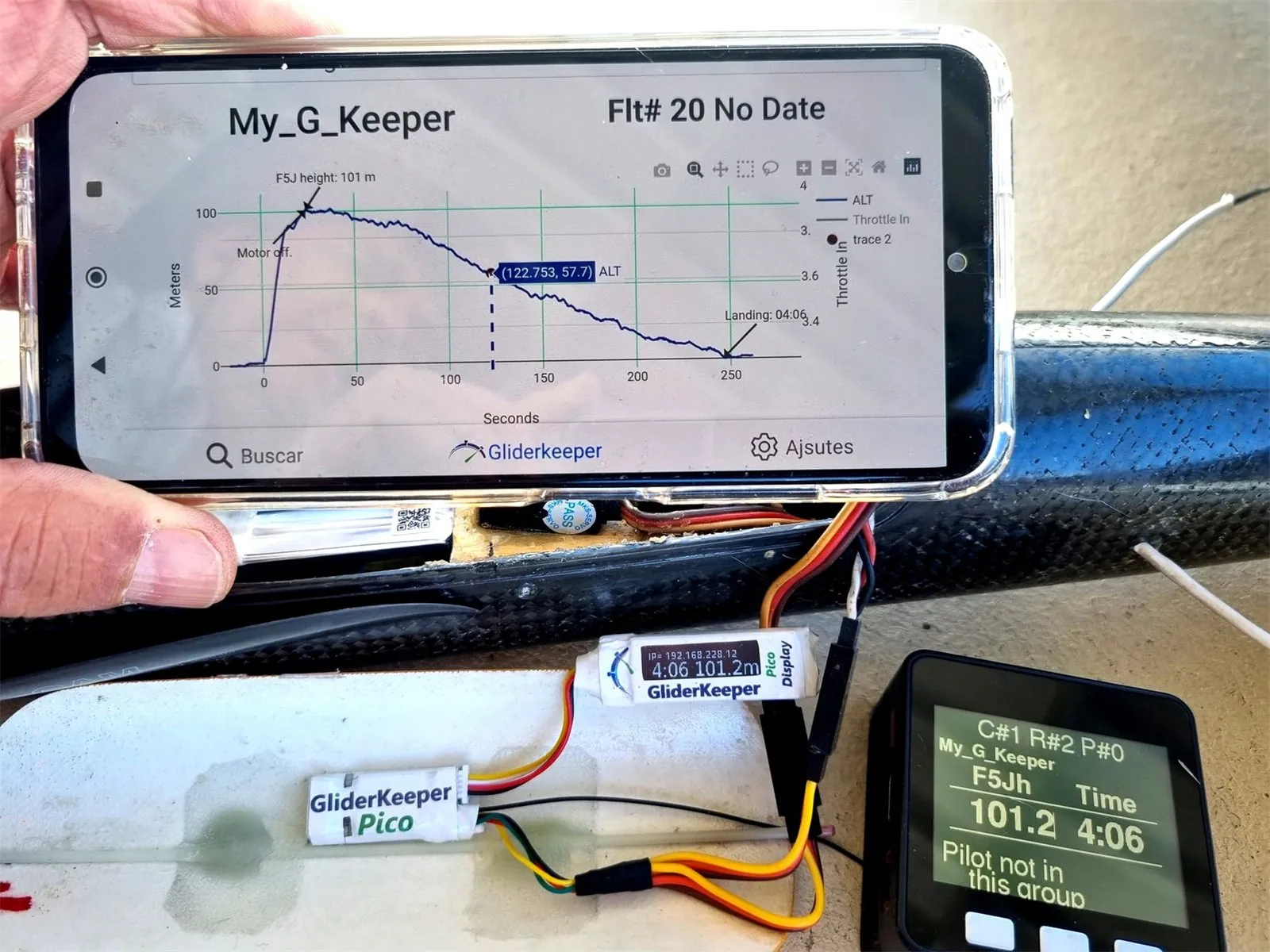
Check your flight results on the display or on your mobile
The GliderKeeper microcontroller features multi-protocol Wi-Fi/Bluetooth wireless communication. After landing you can choose to fly another F5J flight or enter communication mode — over Wi-Fi or over Bluetooth — to see your flight results. Who wants to carry a special display around?
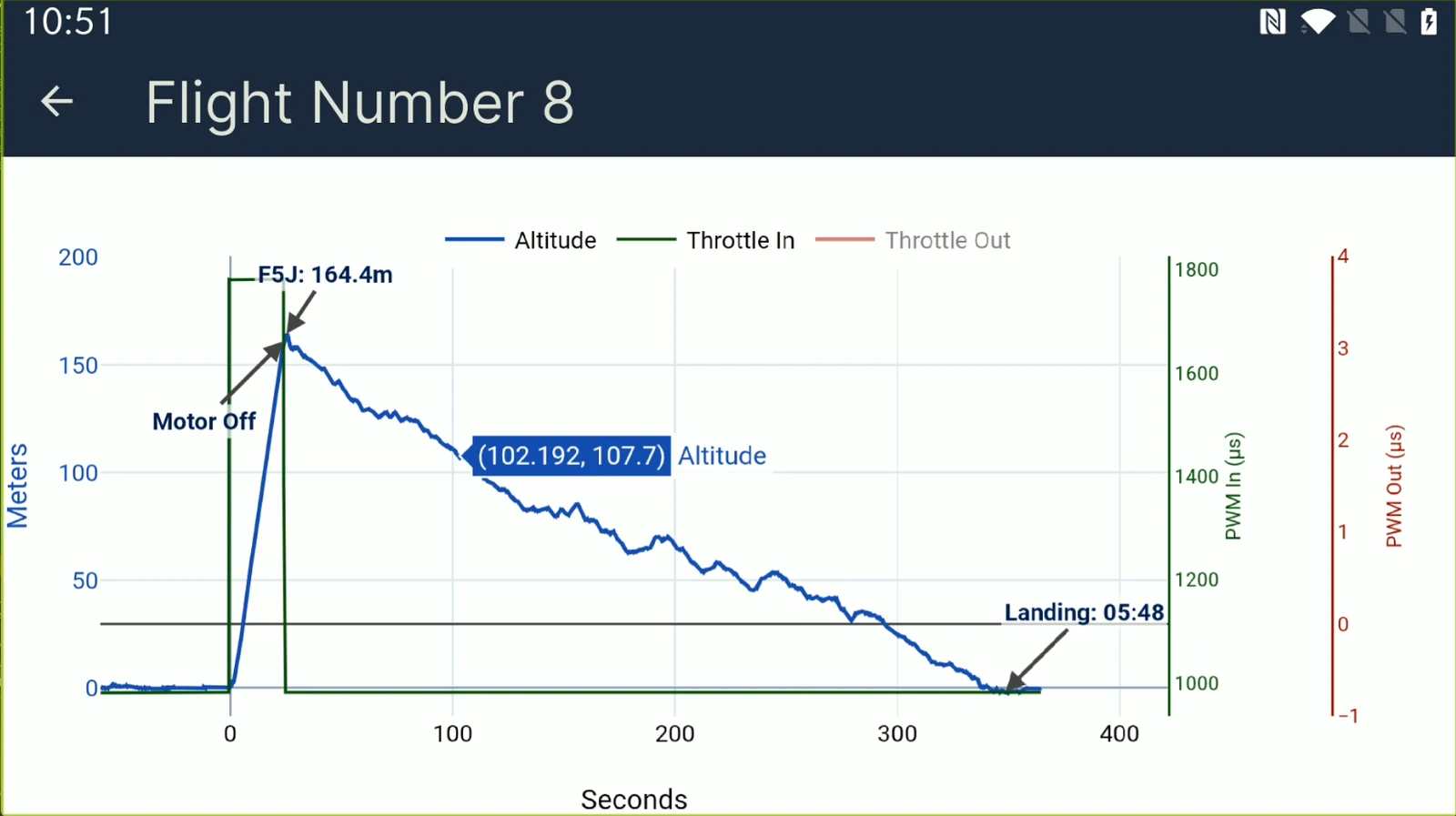
See your flight's plot right after landing
When entering communication mode, whether over Wi-Fi or Bluetooth, you will first see your last flight data. From there you can review that flight's plot, pick any stored flight to plot, or export your data for later review, as well as reach every configuration and interface feature.
Change your device configuration at the field, with no removals
In communication mode, over Wi-Fi or Bluetooth, you can access the configuration that the loaded firmware allows, perform any housekeeping in the unit and eventually update the firmware or the user interface pages. No need to remove anything from the airplane — no more wear on the JR connectors that have been giving us problems in the past.
Pico Programmer: USB compatible
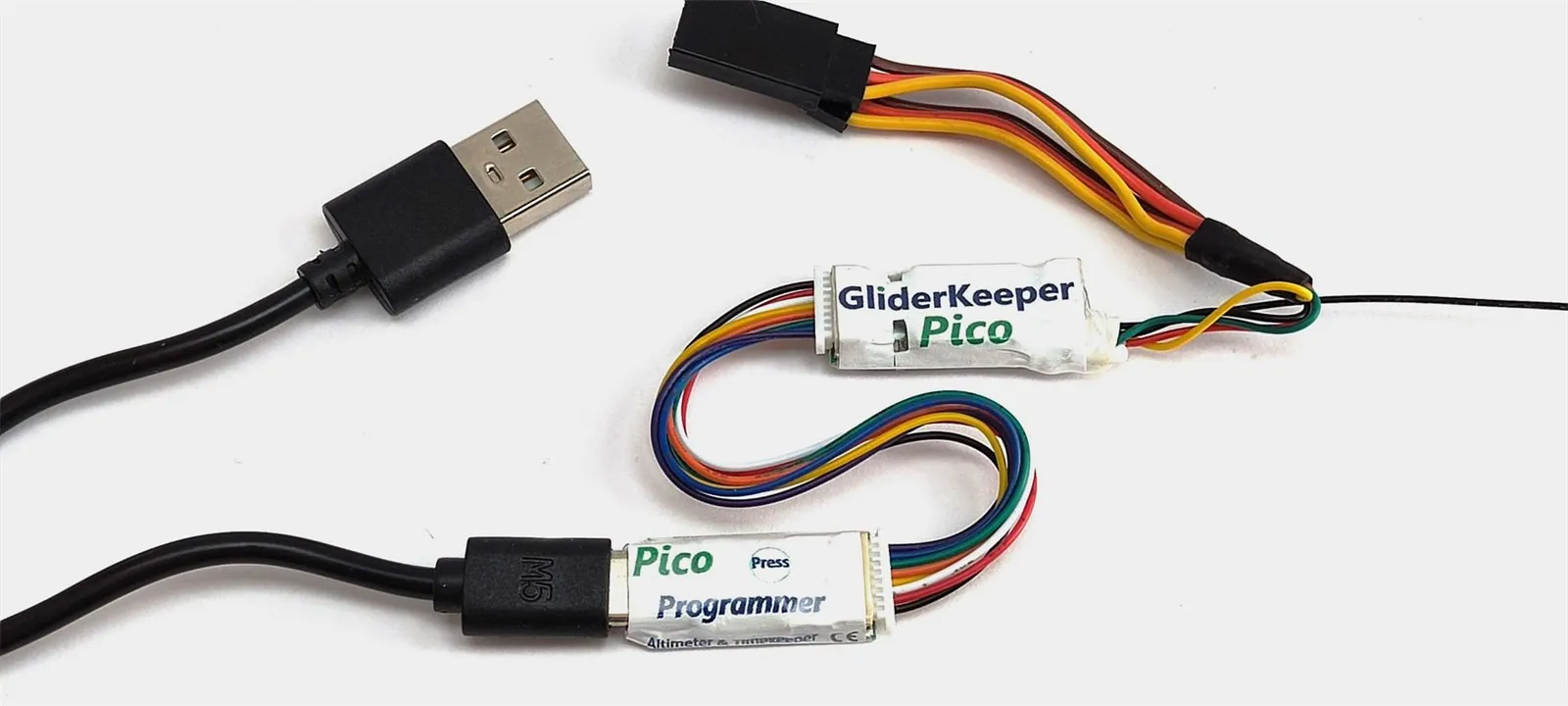
By using a Pico Programmer you can hardwire directly to your Windows PC and perform major updates and downloads to your device without the setbacks of a wireless connection.
The Pico Programmer includes the adapter cable harness; the type C USB cable is customer supplied. It requires our Desktop App in its Windows version, which includes the Pico Programmer tab management.
No more papers, fewer people involved in a competition
A totally paperless contest can be handled with GliderKeeper and GliderTimer. GliderKeeper leaves an imprint with its serial number and the exact date and time of the flight to maintain data integrity. No need for exchanging papers, pencils or chronometers.
Specifications
- Dimensions: 28.7 x 13 x 5.6 mm
- Weight (including cable): 6.5 g (of which 4 g is the cable)
- Power supply: 4.5 V (min.) / 17 V (max.) / recommended < 5.0 V on Wi-Fi AP
- Current consumption: flight mode < 50 mA / Wi-Fi STA 120 mA / Wi-Fi AP 170 mA
- Barometric pressure sensor: 300–1250 hPa, 8 Pa relative accuracy (0.6 m)
- Accelerometer: 12 bit, ±8 g range
- Memory storage: 255 flights or 5 flight hours (circular buffer, 255 flights max)
- Wireless communication: Wi-Fi 802.11 b/g/n WPA/2 and Bluetooth (firmware 5.x or higher)